
Ordering Screens
Understand how page order works in Flows and how to organize your Canvas.
In Flows, the order of pages in the sidebar doesn't determine the user's path. Routes define the order, not the list position. The sidebar and Canvas positions are purely for your organization.
How order works
The sidebar order does not dictate which page shows next in the flow. The flow starts at the entry point and follows the routes you've created, so a page listed first in the sidebar can still appear last in the user's journey. Reordering pages in the sidebar or Canvas won't change what users see.
Routes define the flow, not page order. Rearranging pages won't change the user experience.
Reordering on the Canvas
Drag pages on the Canvas to arrange them visually. This is especially helpful for:
- Making complex flows easier to understand at a glance.
- Aligning pages that share similar content or purpose.
- Creating visual groupings for different branches.
To reset the layout:
- Look for the snap to order icon in the floating toolbar.
- Click it to return all pages to their default positions.
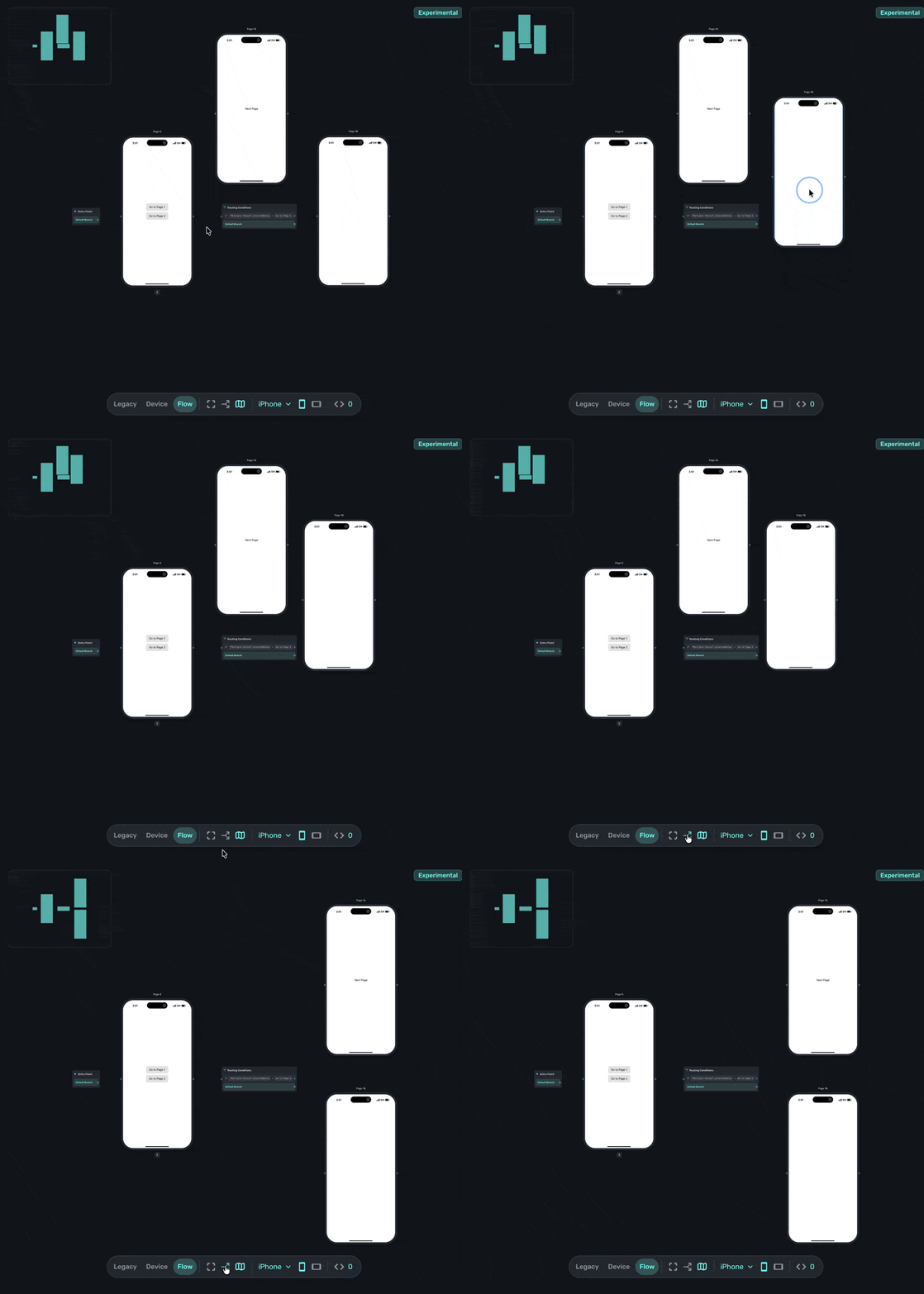
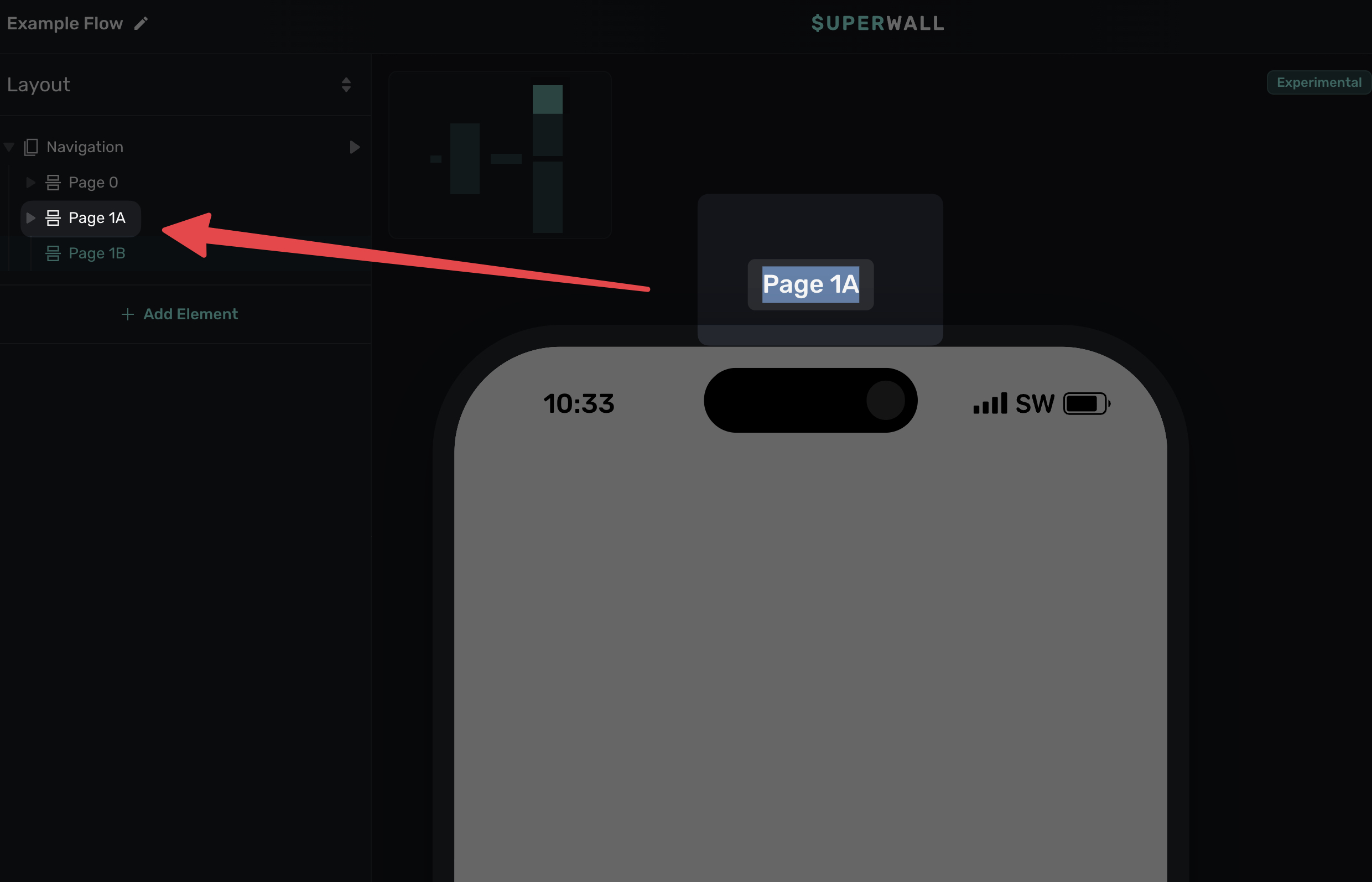
You can also rename any page for organizational purposes. Just click on the text label above any page to edit its label name:
Best practices
- Match your mental model: Arrange pages in a way that reflects how you think about the flow.
- Keep related pages close: Pages that are connected should generally be near each other on the Canvas.
- Use space intentionally: Spread out complex branching so it's easier to follow the routes.
And, don't be afraid to keep things scattered if that helps you work out a flow either. The ordering for the user is always decided by the routes, and you can the snap button anytime to get things tidy again.
How is this guide?
Edit on GitHub